
SIM Information System – Check SIM Owner Details 2026
To Verify through a SIM INFORMATION SYSTEM by mobile numbers, check SIM data, and get dependable information in a few seconds with our secure system. and here is something different from others websites. Here you will get some new alternatives. about codes, packages, network and bonus packages etc. latest information related to different networks and packages. Most important thing you can check here DVS device verification system and check PTA IMEI.
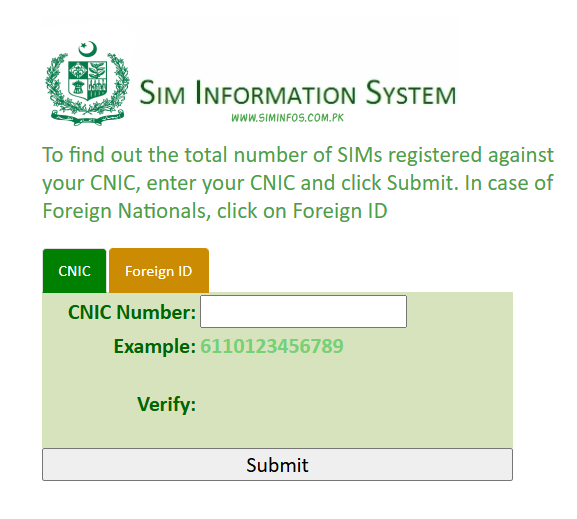
Instructions Via SMS Based Verification
To verify and check the status in your mobile device, press from dialer device *#06# and receive a 15 digit imei number (DUAL SIMs) via short code 8484.
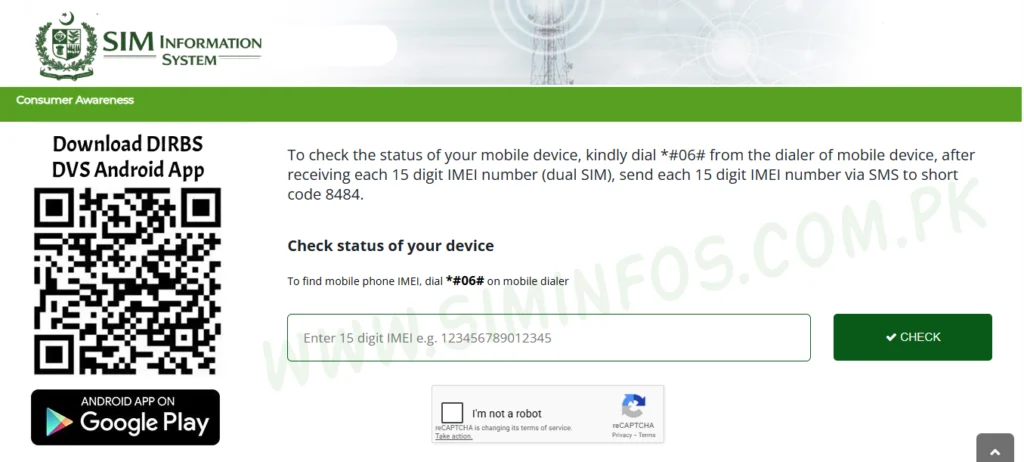
SIM Information System – Find SIMs Linked to Your CNIC
Many people in Pakistan are unaware. Here multiple SIMs can be issued on their ID card without their knowledge. It can cause any legal issue and many problems created by unknown persons. They just take the benefits of those who are unaware or do not check the sim information system PMD. you will learn here easily how you will check all sims are linked with your CNIC.
Imagine if sim cards are registered on your CNIC is used for something you have no idea about but it happens usually people are getting worried about it. Many individuals only realize this when they face unwanted issues.
How Many Sim Cards Are Allowed in One Cnic in Pakistan
The Government of Pakistan, Pakistan Telecommunication Authority (PTA) allows a minimum of.5 SIM cards to be registered on a (One) CNIC. You know that the sim limit, look at the easiest way to search how many sim cards are currently registered on my CNIC.
Method 1: Check SIMs via SMS (Fastest and Easiest Way 2026)
The easiest and quickest way to explore SIMs on your CNIC is through SMS. You don’t need the internet for this method.
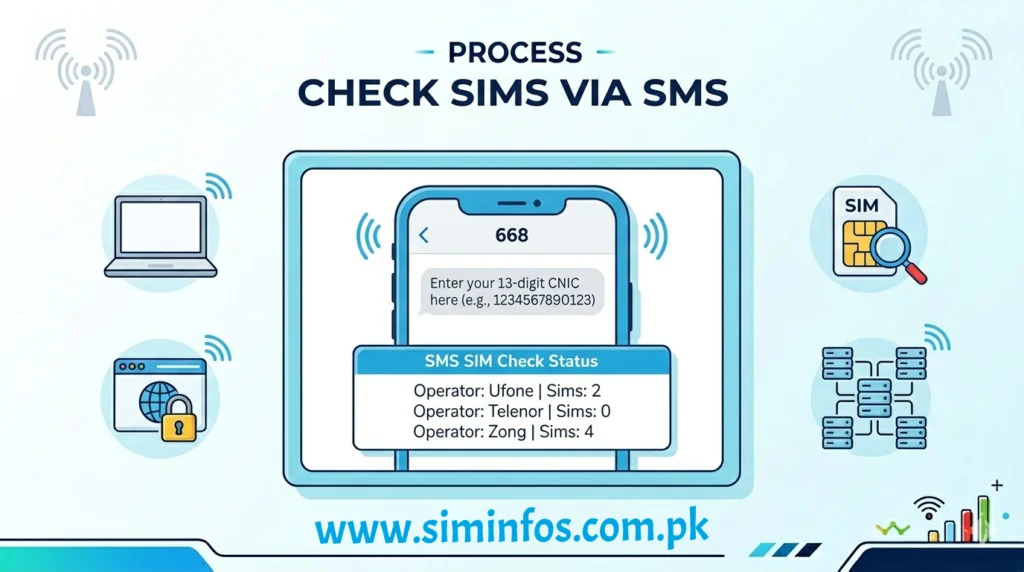
| Some Steps Of Check SIMs via SMS |
|---|
| Use your mobile messaging app |
| Text your CNIC number (without dashes) |
| Send it to 668 |
| You will receive a reply with the number of active SIMs on your CNIC |
Time: 1 minute
Charges: Small SMS fee also reasonable.
Method 2: Check SIMs via Online Website
If you prefer using the internet, you can check your SIM details online through the official system.
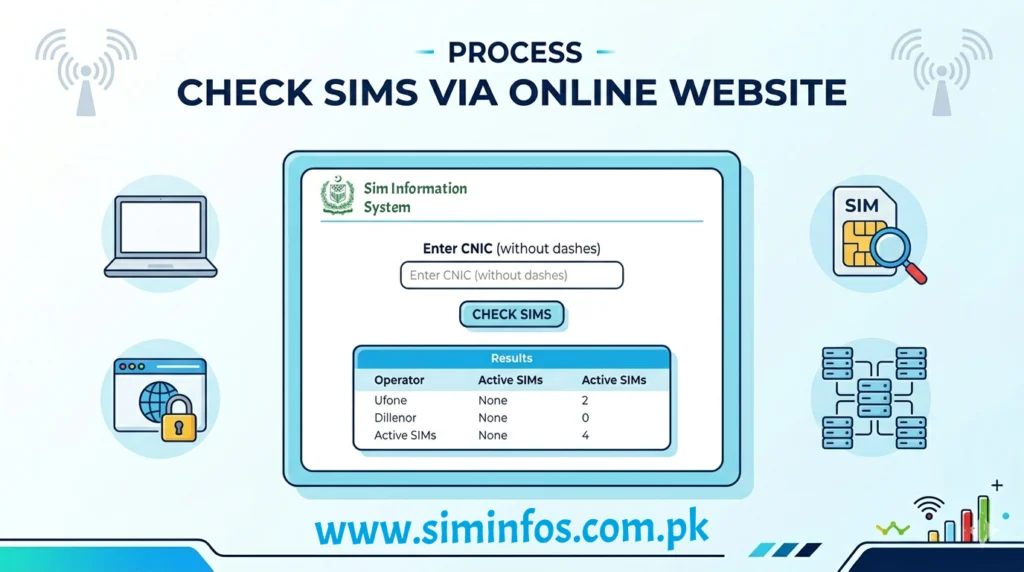
Check SIMs via Online Website
| Method 2: Check SIMs via Online Website |
|---|
| Search the (PTA) SIM Information system website |
| Enter your CNIC number in the search bar. |
| To stop till get complete the verification process |
| View all registered SIMs |
| Time duration: 2–3 minutes |
| Free of cost |
Method 3: Visit Your Nearest Network Franchise in your area.
You can also collect the data from your nearest franchise offices.
| Visit Your Nearest Network Franchise in your area |
|---|
| Take your original CNIC |
| Visit the nearest franchise (Jazz, Zong, Telenor, or Ufone) |
| Ask them to check your SIMs record and details. |
| Time: 10–15 minutes |
| Free of Cost. |
4: Process Network Operator Helplines
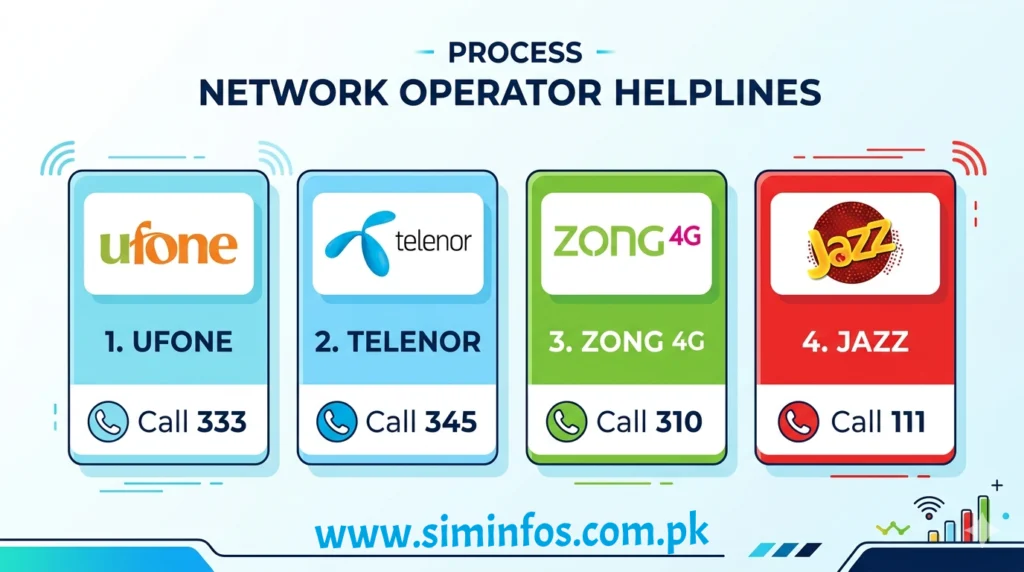
Top Five Network’s In Pakistan
If You Find Unknown SIMs?
If you have noticed something about any SIM that you do not, take immediate action.
To go to your nearest franchise and request to block the unknown SIM users.
You may also need to complete biometric verification to secure and protect your CNIC.
Do not ignore unknown sim users to take action against them.
SIM Packages & Helpful Codes 2026 (Bonus Information)
Once you know how many SIM cards are active on your CNIC, it’s also useful to comprehend the basic packages and codes offered by individual networks. This can help you to get SIMs more efficiently and avoid unnecessary dues.
Pakistan have common network packages:
Most telecom networks like Jazz, Zong, Telenor, and Ufone offer familiar types of packages:
| Internet Packages – Daily, weekly, and monthly data bundles |
| Call Packages – On-net and off-net call minutes |
| SMS Packages – Bundles for messaging |
| Hybrid Packages – Combination of internet, calls, and SMS |
Some are in detail like this
Sim owner details allow the different mobile packages. total number of SIMs registered under their name. sim management information system also using this website. We can explore the major packages here easily like Telenor, Zong, Ufone, jazz/ Moblink and Onic sims packages etc. Sims management Sim information system Pakistan provides details, packages, information, Nadra sim information system for user facility. A Security Information Management System (SIMS) gives the strong lock access to SIM owner details, registered SIMs, and mobile packages. It conveys fast and reliable knowledge for user convenience and awareness.
Telenor sim code to find the actual number fastest method *8888# including text dial texting “MNP” to 667 *7421#, or calling 7421 to receive your number via SMS
Telenor package is the easier way to find out the packages like: dialing code Telenor monthly package, Telenor weekly package and Telenor fort night package code etc.
Telenor monthly package Monthly Ultimate Offer: Code Dial *345*30#
Telenor weekly package Dial Code *336# etc.
Zong sim code to find the actual check number fastest method *8# or *100# check code by sms send a blank SMS or any text to 7751.etc
The Zong package is the easier way to find out the packages like: dialing code
Zong monthly Package Zong weekly package and Zong fortnight package code etc,
Zong monthly package code check via sim *102*1#.
Zong weekly package code check via sim *102#.
Jazz sim code to find the actual check number fastest method including text dial texting dial 099# or 088# etc.
Jazz package is the easier way to find out the packages like: dialing code
Jazz Monthly Package jazz weekly Package and jazz fort night package code etc.
Jazz monthly package code check via sim *7733*2#.
Jazz weekly package code check via sim *505*2#.
Ufone sim code to find the actual check number fastest method including text dial texting dial *1# etc.
Ufone package is the easier way to find out the packages like: dialing code
Ufone monthly package Ufone weekly package and Ufone fort night package code etc.
Ufone monthly package code check via sim *706#.
Ufone weekly package code check via sim *706#.
Onic sim operates the Telenor Network it has no code to check the direct number via sms here is a simple method to check the number.
How to check the Onic number and packages
Only through the Onic App
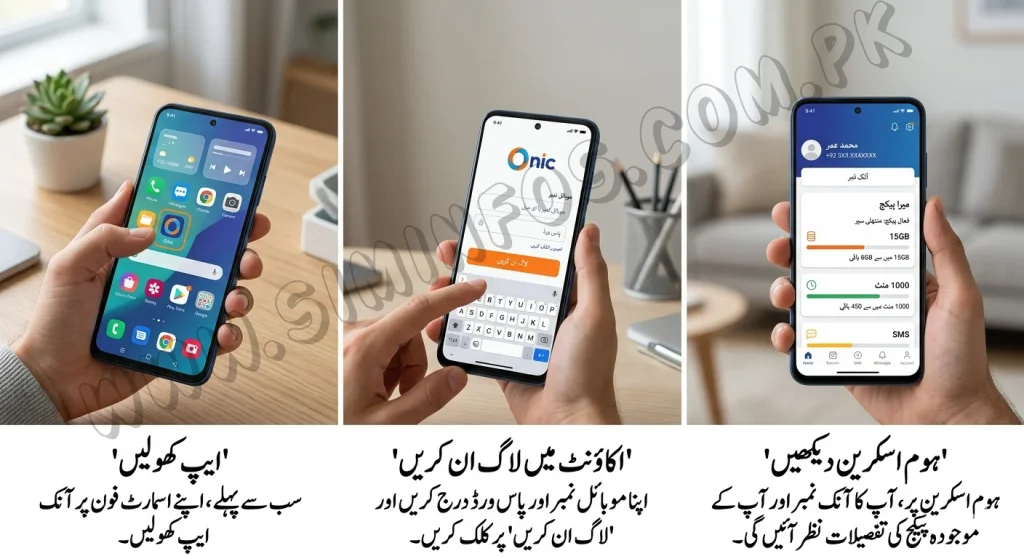
| How to check the Onic number and packages |
|---|
| Open the app |
| Log in to your account |
| Your number will be displayed on the home screen. |
Open the app and check the different packages.
This article delivers comprehensive information about SIM details, including number find codes, essential USSD codes, and available mobile packages. Users can easily find information for major telecom networks such as Telenor, Zong, Ufone, Jazz, and Onic .etc The help for users to understand how to check their SIM details, search various packages, and efficiently try important codes. All information is presented in a simple and user-friendly manner for convenience and awareness.
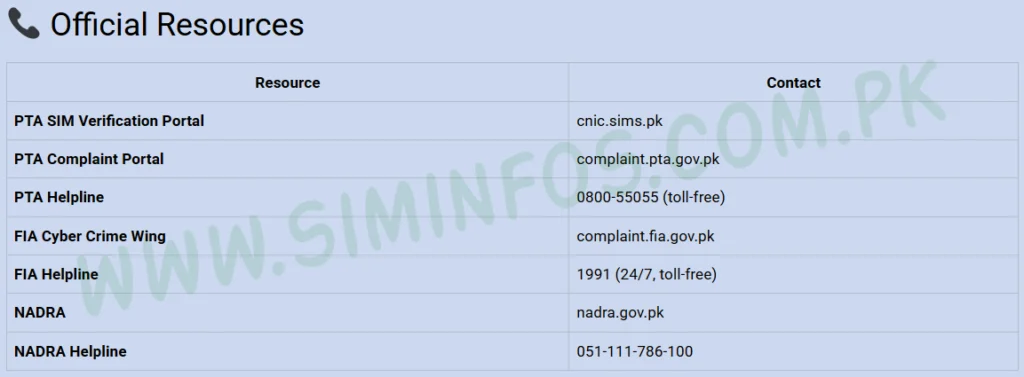
Official Resources:
To accurately update related information SIM registration and CNIC details, it is offered to use recommended platforms given by the Pakistan Telecommunication Authority (PTA).
People always check the total number of SIMs enrolled against their CNIC through the official PTA SIM Information System or by sending their CNIC number via SMS to 668.
Always depend on official sources to confirm your data is verified and authentic.
SIM Information System Official Resources
Safety Tips Section
Keeping your CNIC secure is very important to avoid any misuse of SIM cards.
- Never share with anyone your CNIC copy unnecessarily
- Never give fingerprints to unknown agents
- Always verify before while buying a new SIM card
- Block unused SIMs as soon as possible
Common Mistakes to Avoid
Many people make small mistakes that can lead to big problems.
- Do not ignore unknown SIMs
- Not checking SIM record regularly
- Giving CNIC to unauthorized sellers
- Keeping unused SIMs active
- User trust on unknown agents